
Access Johns Creek White Pages
Johns Creek white pages let you search for people in one of the fastest-growing cities in north metro Atlanta. This Fulton County city has about 84,000 residents and was incorporated in 2006. You can look up names, addresses, phone numbers, and public records through both city and county databases. The City Clerk at 11360 Lakefield Drive handles open records requests for all city departments. This page covers each Johns Creek white pages resource and explains how to get the data you need.
Johns Creek White Pages Quick Facts
Johns Creek White Pages Open Records
The City of Johns Creek handles open records requests through its City Clerk's office. The clerk at 11360 Lakefield Drive, Johns Creek, GA 30097 is the custodian of all city records. You can submit requests for documents from police, fire, administration, and every other city department. The city processes each request and responds within three business days, as Georgia law requires.
One thing to keep in mind: Johns Creek was incorporated in 2006. Records from before that date are held by Fulton County. If your Johns Creek white pages search goes back further than 2006, you will need to check with Fulton County offices for the older files. This split is important when tracing someone's history in the area. Under Georgia Code 50-18-70, both city and county records are open to the public for inspection and copying.
You do not need to give a reason for your request. The law is clear on that point. Any person can search Johns Creek white pages records for any purpose.
Johns Creek Municipal Court White Pages
The Johns Creek Municipal Court handles traffic violations and city ordinance cases. Case records include defendant names, case numbers, charges, and dispositions. The court is at 11360 Lakefield Drive, Johns Creek, GA 30097. Call (678) 474-1546 if you have questions about searching cases or getting copies.
Court records are a solid white pages tool. They tie a person's name to a location and a specific event. Municipal court data in Johns Creek covers everything from speeding tickets to code violations. Georgia Code 50-14-1 makes court proceedings and their records public. That means anyone can look up case data without needing permission or stating a reason. The screenshot below shows the Johns Creek Municipal Court page.
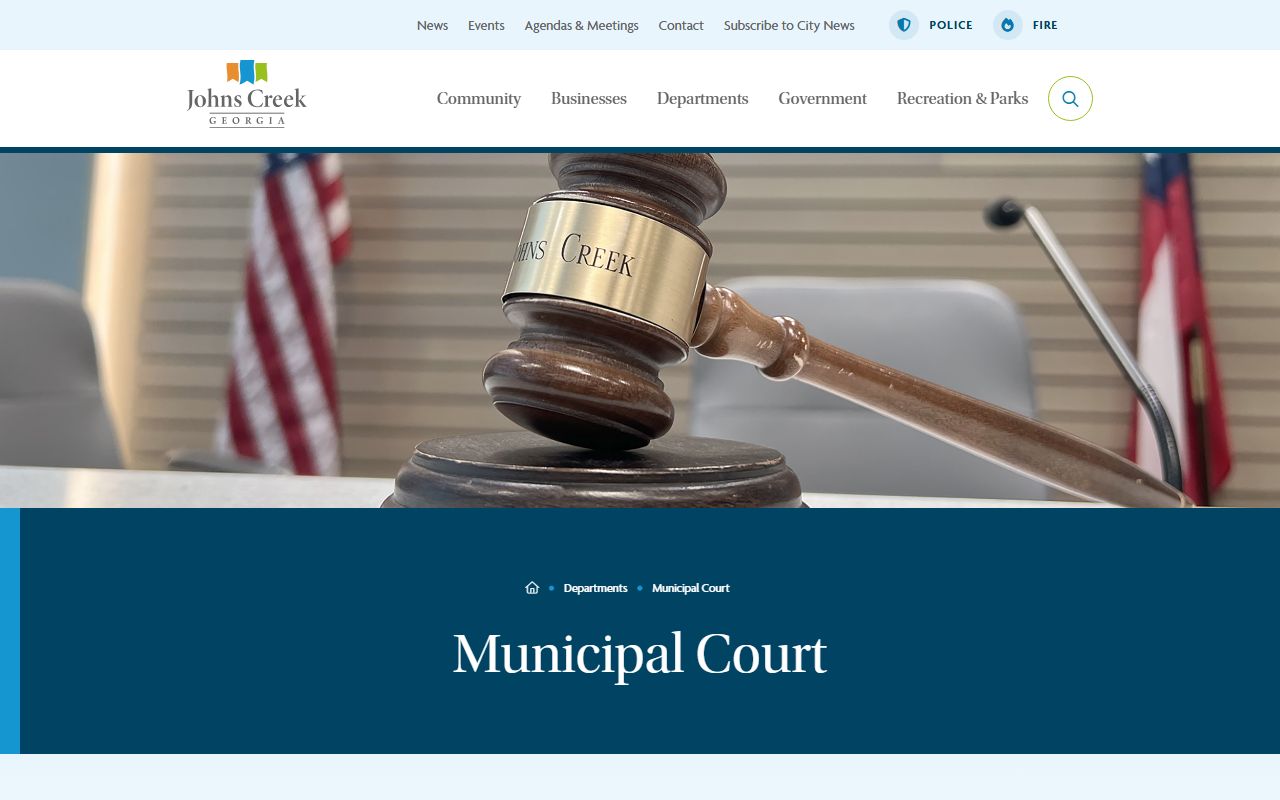
Use this court's page to find case information for Johns Creek. Traffic and ordinance cases are the most common types you will see here.
Johns Creek Property Tax White Pages
Property tax records are one of the best tools for a Johns Creek white pages search. The Johns Creek property tax page lets you search and pay city property taxes online. Each record shows the property owner's name, mailing address, property address, and tax history. Johns Creek residents pay both city and county property taxes, which means their names appear in two separate systems.

The page above is where Johns Creek property tax searches begin. Georgia Code 50-18-70 makes property records public. You can search by name to find an address, or search by address to find the owner. Either way, the data is free to access. For deeper property research, Fulton County runs its own assessor and tax databases that cover all properties within county lines, including those in Johns Creek.
Note: City property tax records may not include county-level tax details, so check both the city and Fulton County systems for full coverage.
Find People Through Johns Creek Records
The Johns Creek City Council page provides contact details for elected officials and city leadership. It is a quick reference for finding people in public roles. The screenshot below shows that page.

Beyond the council page, the Johns Creek Police Department records division is another source for white pages data. You can request police reports, accident reports, and other law enforcement files. The department is at 11360 Lakefield Drive, Johns Creek, GA 30097. Their main line is (678) 474-1600. Police records tie names to events and locations. An accident report lists parties with their addresses. An incident report documents who was at a place and when. These details help fill gaps in a Johns Creek white pages search.
Johns Creek White Pages via Fulton County
Since Johns Creek sits in Fulton County, many records for its residents live at the county level. The Fulton County Superior Court Clerk keeps civil filings, property deeds, and domestic cases. Their online portal lets you search by party name or case number. The Fulton County Tax Assessor has property data including ownership history and parcel details. All of these county tools extend your Johns Creek white pages search beyond what the city alone can offer.
At the state level, the Georgia Secretary of State Professional Licensing Search covers licensed professionals across Georgia. The Georgia eCorp Business Search lets you find anyone tied to a registered business. Under Georgia Code 43-1-1, professional licensing records are public. The Georgia Courts E-Access portal connects you to case searches across all 159 counties. These state tools work alongside Johns Creek and Fulton County databases to give you a complete white pages picture.
Vital records also play a role. The Georgia Department of Public Health keeps birth, death, marriage, and divorce records statewide. Under Georgia Code 31-10-1, certified copies cost about $25. Marriage records link two people together. Death records confirm someone's passing. For a Johns Creek white pages search, vital records fill in details that court or property data might miss. Voter registration adds one more layer. Under Georgia Code 21-2-210, voter data includes names and addresses that can confirm residency in the Johns Creek area.
Nearby Cities
These cities border Johns Creek or sit nearby in the north metro Atlanta area. Each one has its own white pages resources.